

FolderIco
Customize Folder Icon and Color in One Click!
FolderIco Folder Color & Icon Changer Software
FolderIco allows to change the color of Windows & Mac folder in one click! Go to our Tutorials page and see for yourself how easy it is for anyone to change the folder color or icon just a few simple steps. Download our Try-Before-You-Buy demo and use it on your own folders!
Organize your Folders more Easily
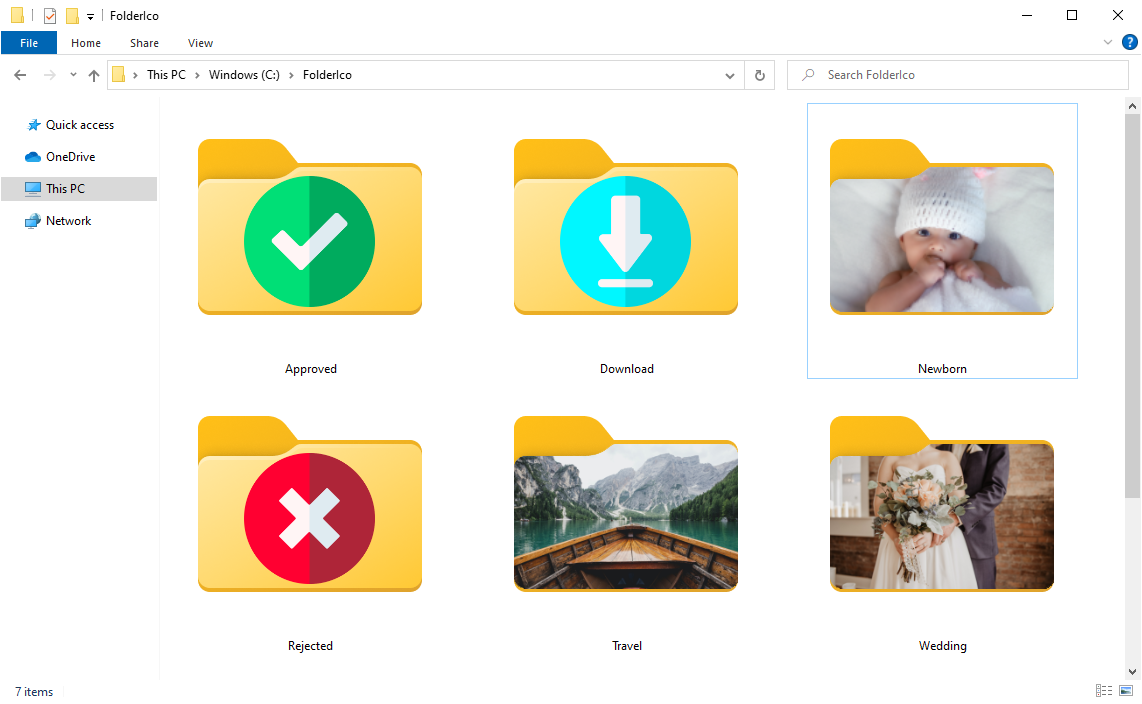
Don't you know how to change a standard folder to a colorful and bright one? With FolderIco, give some color to Windows & Mac folders. With just a one click, colorize your folders, and discover a new intuitive way to classify your files. A quick look is now enough to identify the folder you are looking for!
Classify your Folders by Priority
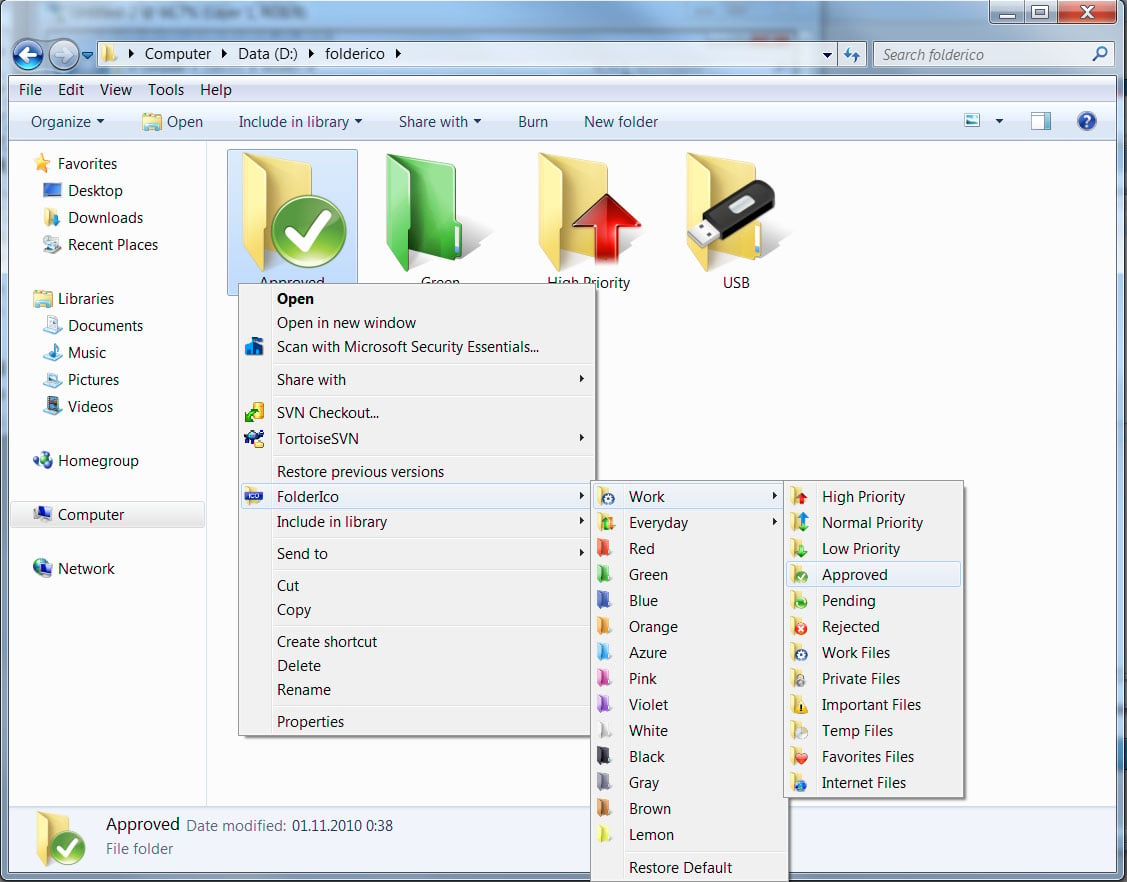
You can now classify your folders by priority. Red is an important folder, orange is urgent, green is no action needed... Choose the attributes that you like, so you'll never delete an important folder in error.
A Fast and Light Tool
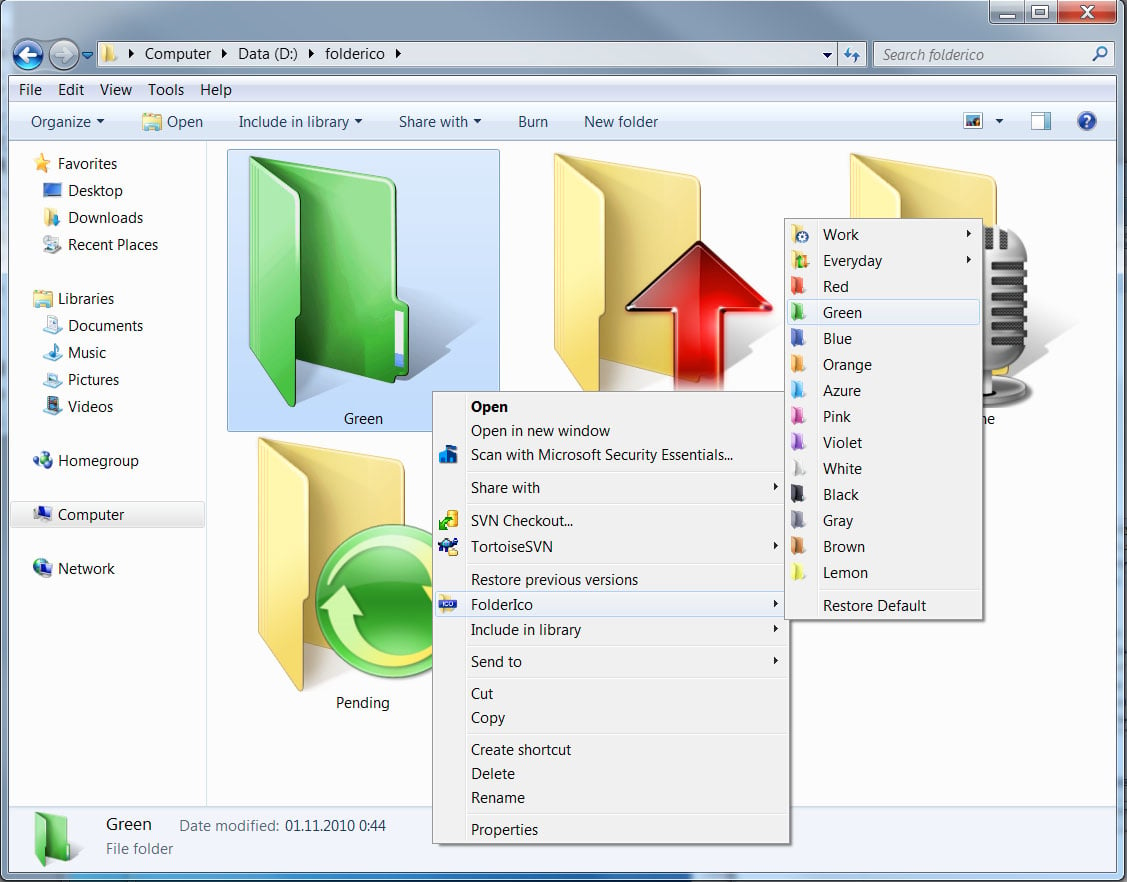
FolderIco is a very light software that doesn't stay in memory. It uses a native functionality of Windows & Mac to be more efficient. Discover its simplicity: with a single right-click on a folder you change its icon!
Integration with Windows Explorer
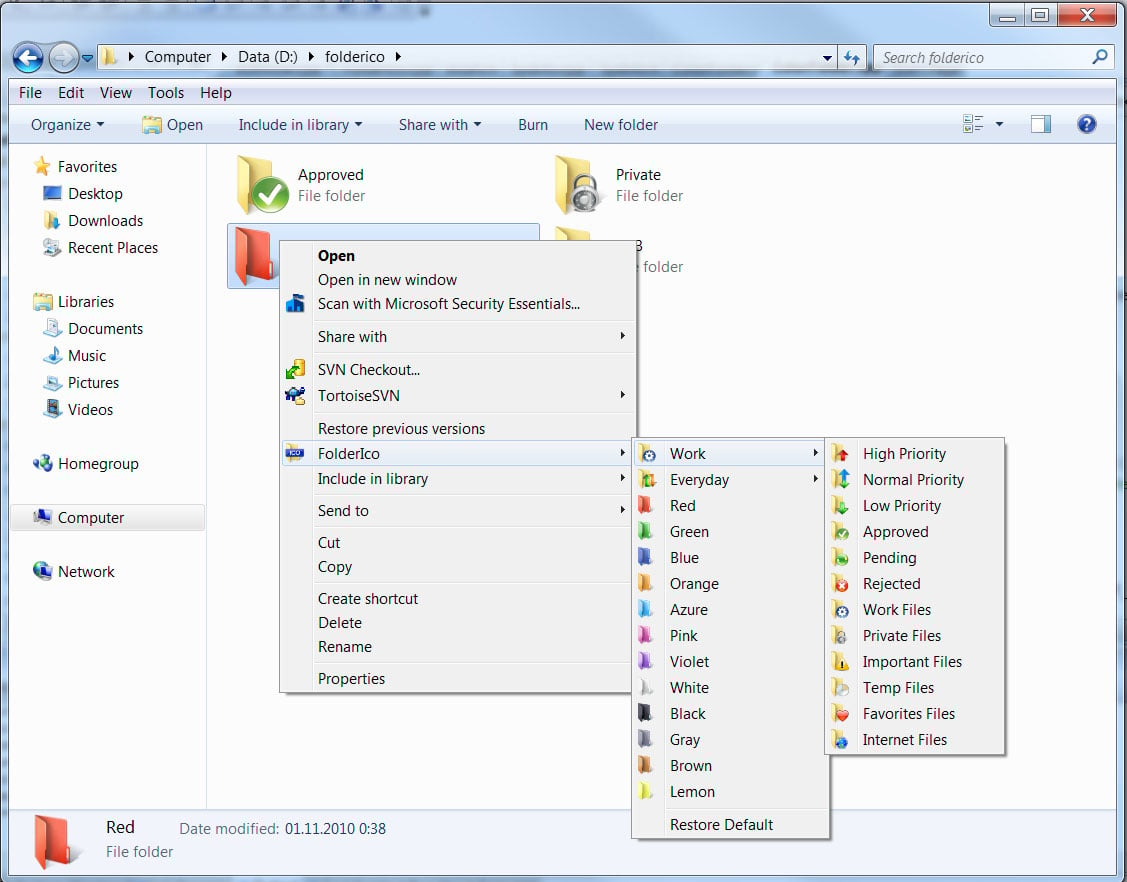
FolderIco is integrated into your Windows Explorer! One right-click on any folder and FolderIco is ready to change your folder's icon.
Customer Feedback
SamanthaI Easily colored my folders.
MarkusColorized folders in one click.
DanI am very, very impressed with this folder icon changer software!