Turn Folder Chaos Into a Clear, Visual System
Change folder colors for free or apply custom icons in one click and organize your files visually, so you can find everything instantly.
The free version lets you change folder colors without limits. Upgrade for the full icon, sticker, and cover toolkit.
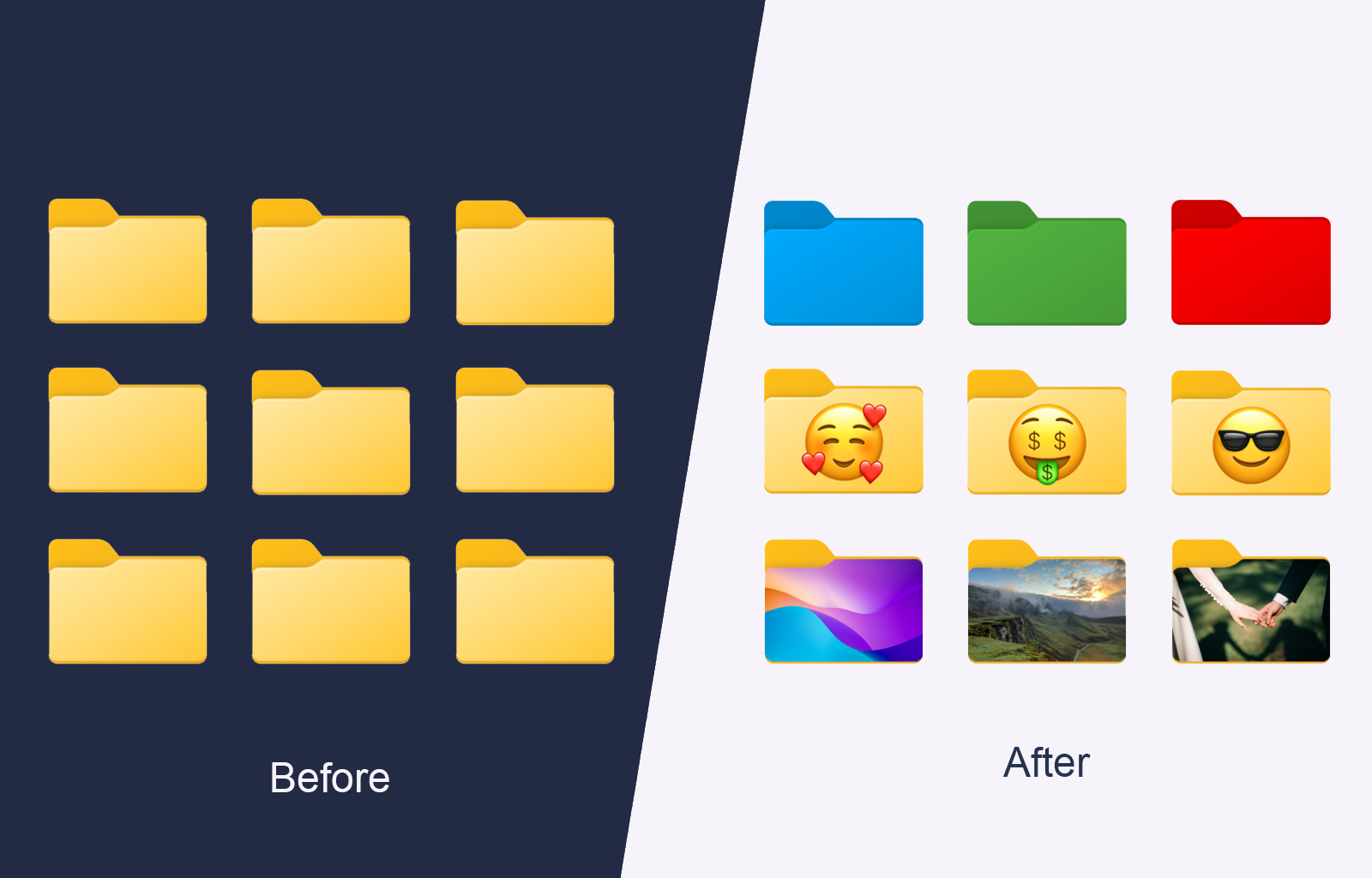
Customize Folder Icons and Colors on Windows and Mac
Take control of how your folders look and feel. Change folder colors for free, or replace generic icons with meaningful visuals that reflect your projects and priorities.
Mix colors, icons, and custom covers to build a system that stays clear even as your files grow.
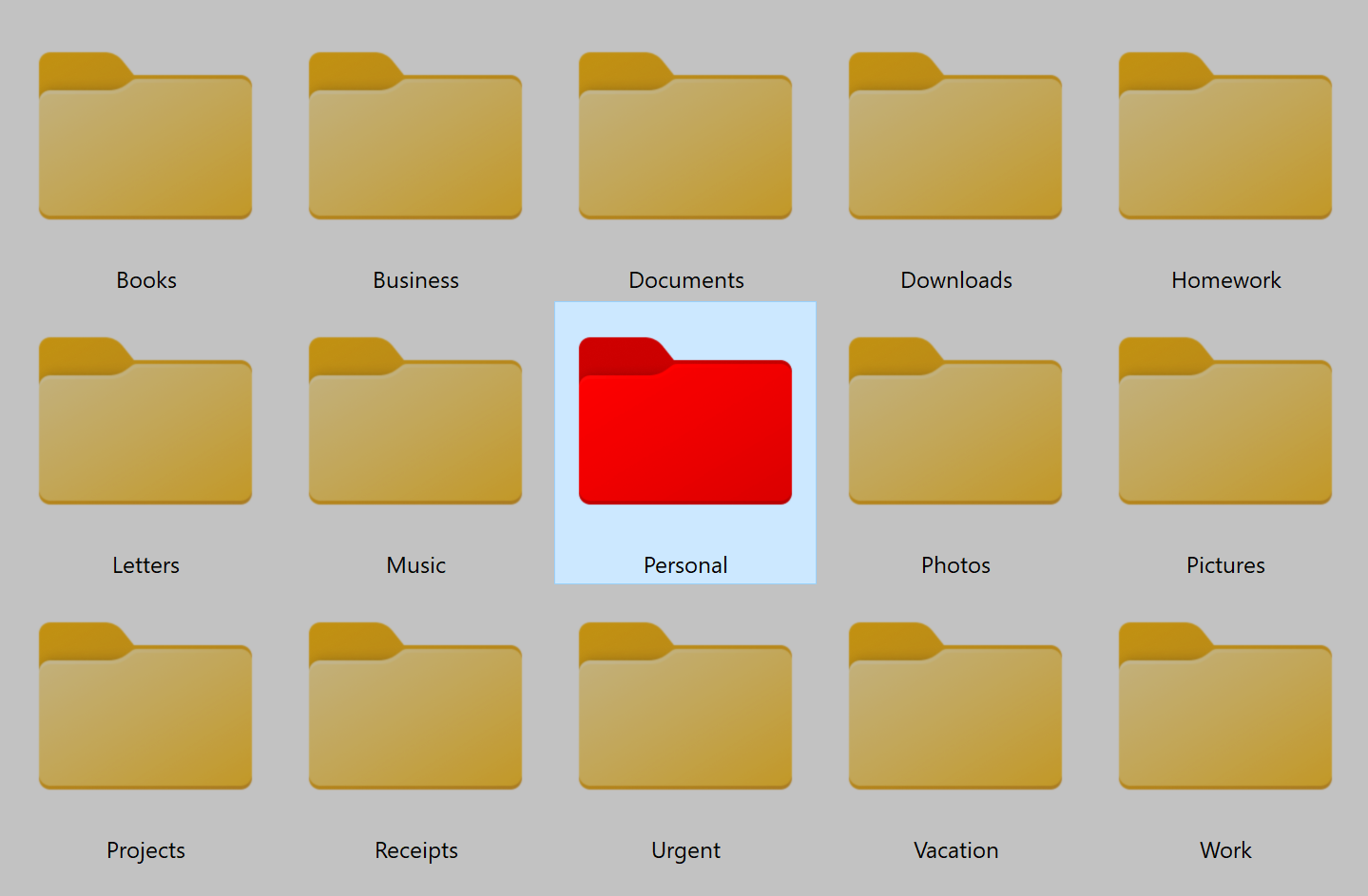
Simplify your folder organization
Turn your folders into a clear, color-coded system so you can instantly see what's personal, work-related, or high priority.
Change folder colors without limits in the free version, or apply icons in seconds when you upgrade. No more searching or guessing - everything stays clear and easy to navigate.
Learn how to organize work with folders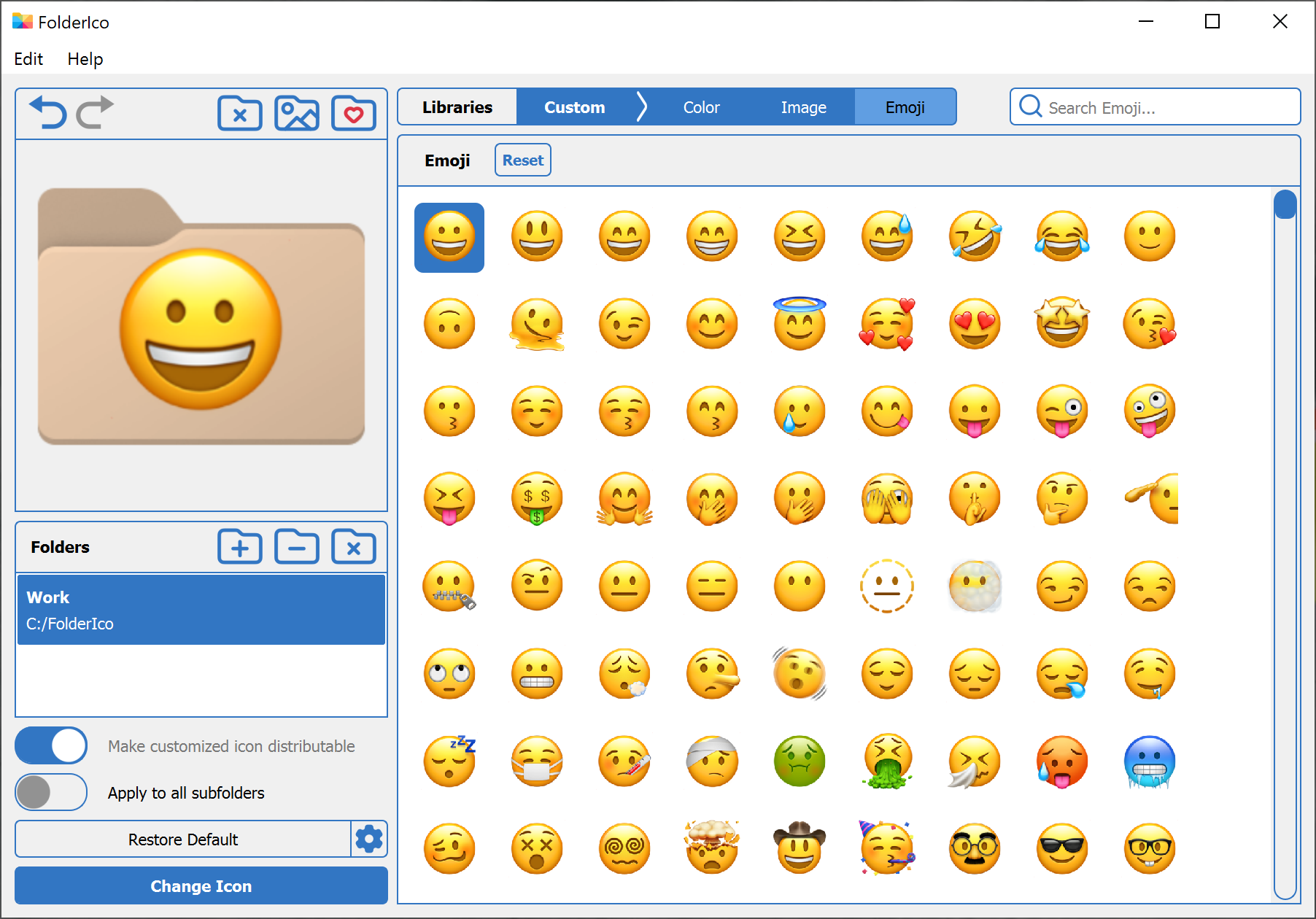
Recognize folders without reading names
Make folders stand out with custom colors, stickers, and expressive icon styles.
Choose from built-in styles or create your own. Turn plain folders into distinct visuals that match the way you organize projects, media, and day-to-day tasks.
Create a custom folder icon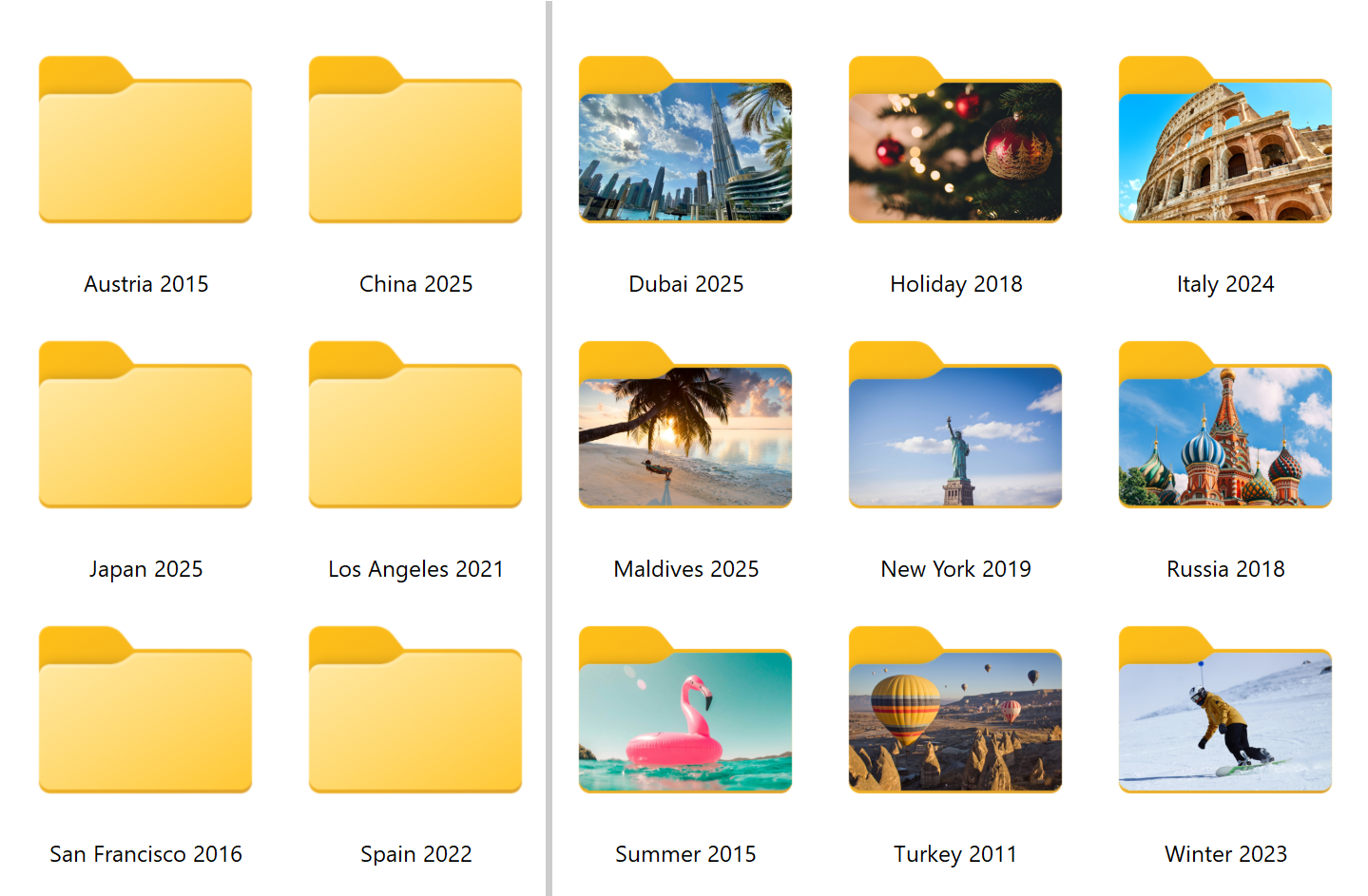
See what's inside a folder
before opening it
Use your own images or built-in stock photos to create meaningful folder covers.
Pick a photo for a project, trip, client, or personal collection and apply it in seconds. Your folders become easier to recognize and more informative at a glance.
Create folder previews in Windows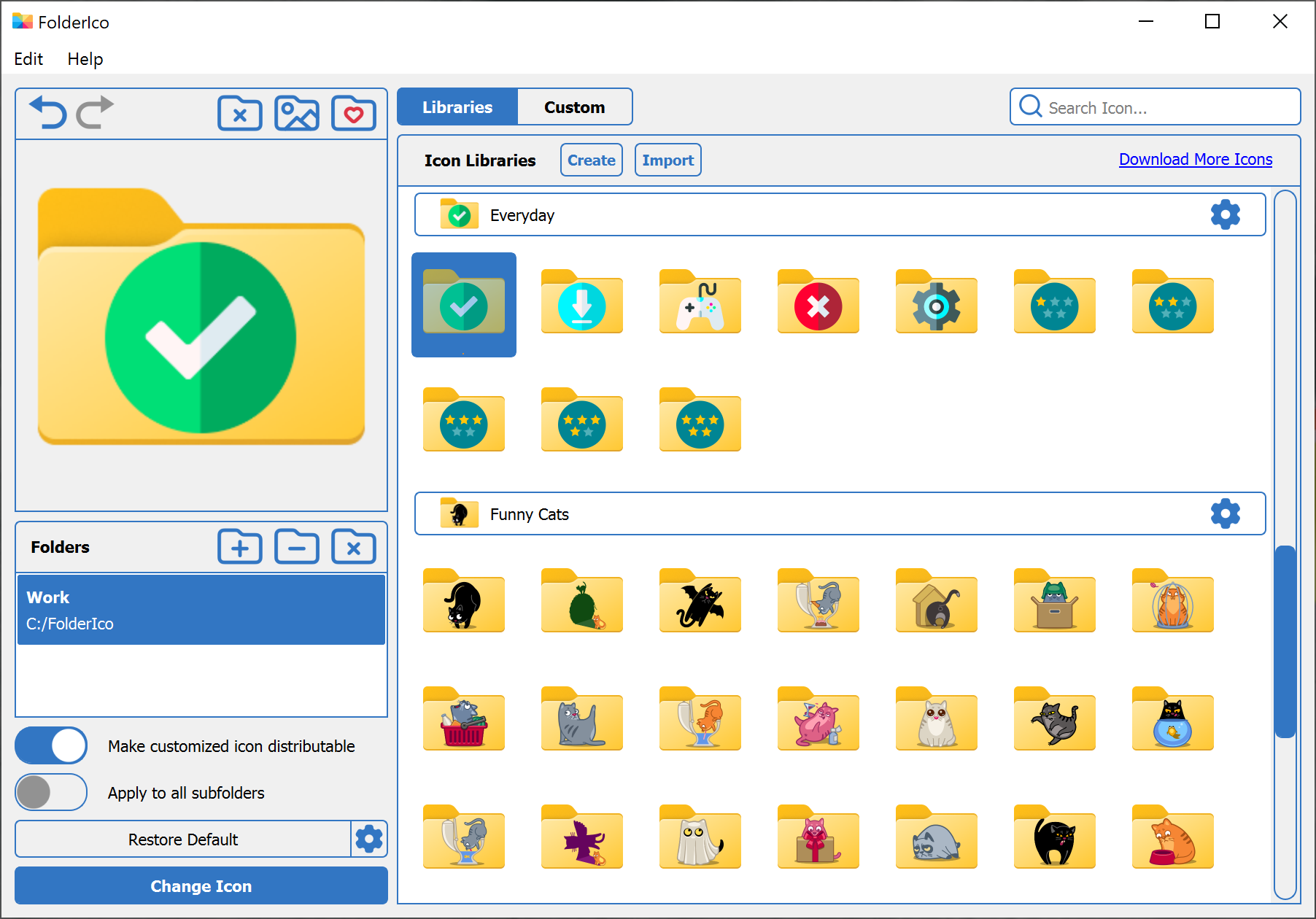
Spot priority folders instantly
Highlight urgent, important, or low-priority folders so your attention goes to the right place first.
Assign colors or icons to show what needs action now and what can wait. It's a simple way to reduce clutter and stay focused on the most important work.
Learn how to change folder colors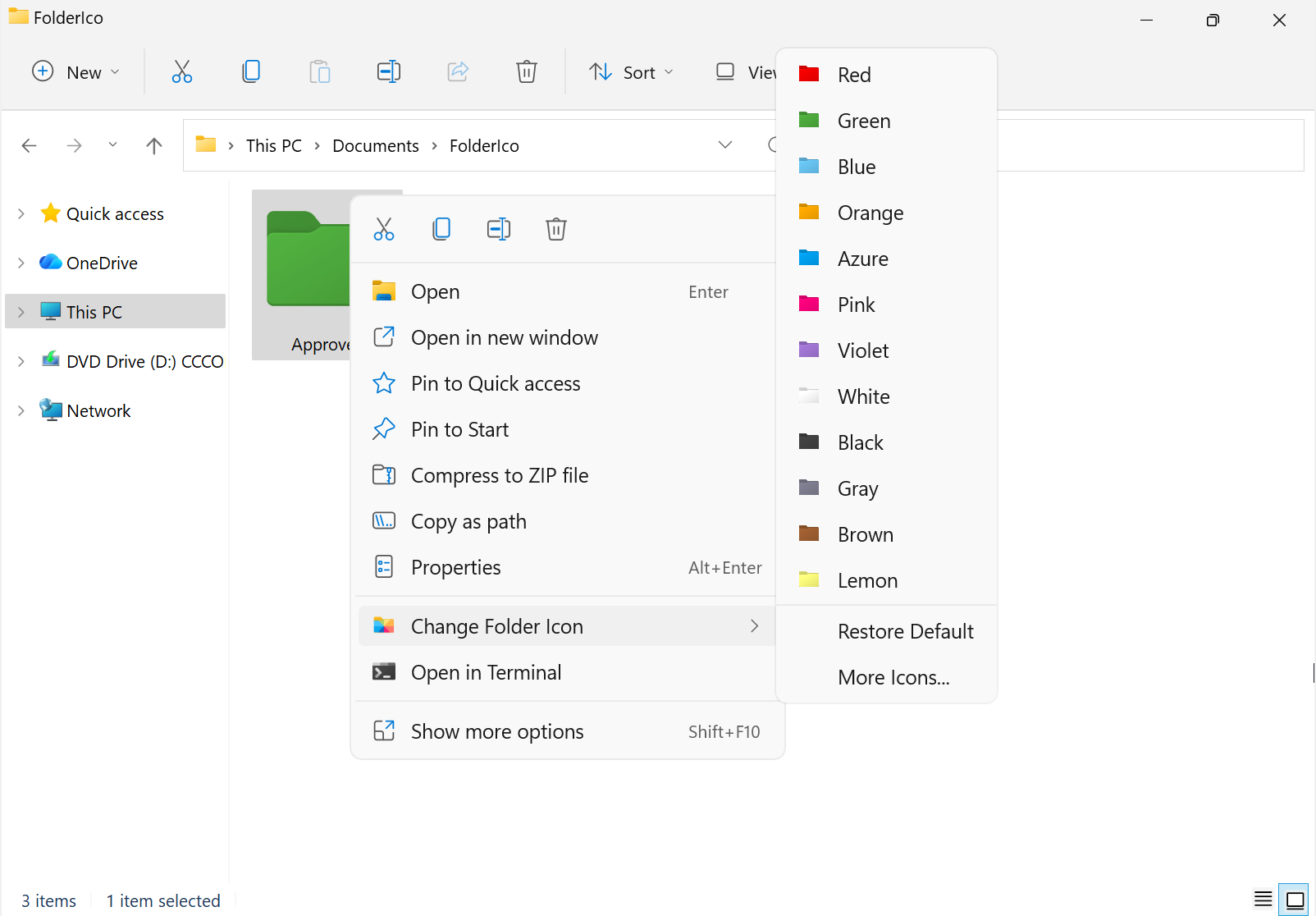
Lightweight and easy to use
FolderIco works with standard system-level folder icons, so everything feels native and stays fast.
No overlays, no visual clutter, and no extra complexity. On Windows, you can change folder icons directly from the context menu with a simple right-click.
Change folder icons in WindowsWhy users like FolderIco
Designed for people who want faster recognition, cleaner structure, and a more visual way to keep files organized.
Visual organization
Use colors, covers, and stickers to make folders easier to scan and identify.
Fast workflow
Change icons quickly and reduce time spent searching through similar-looking folders.
Native feel
System-level icons integrate cleanly with Windows and Mac without extra visual layers.
Clearer priorities
Highlight important folders so urgent work stands out immediately.