FolderIco Guides
Learn how to change folder icons, colors, covers, and previews on Windows and Mac.
Learn the default Windows method and a faster way to change folder icons with FolderIco.
See how to change folder icons on Mac using the built-in method or the faster FolderIco workflow.
Use folder covers to make folders easier to recognize and restore a preview-style look in Windows 11.
Automatically create folder icons from images, using each image as a cover, sticker, or icon.
Use colors, covers, and custom icons to turn folders into a clearer visual system for everyday work.
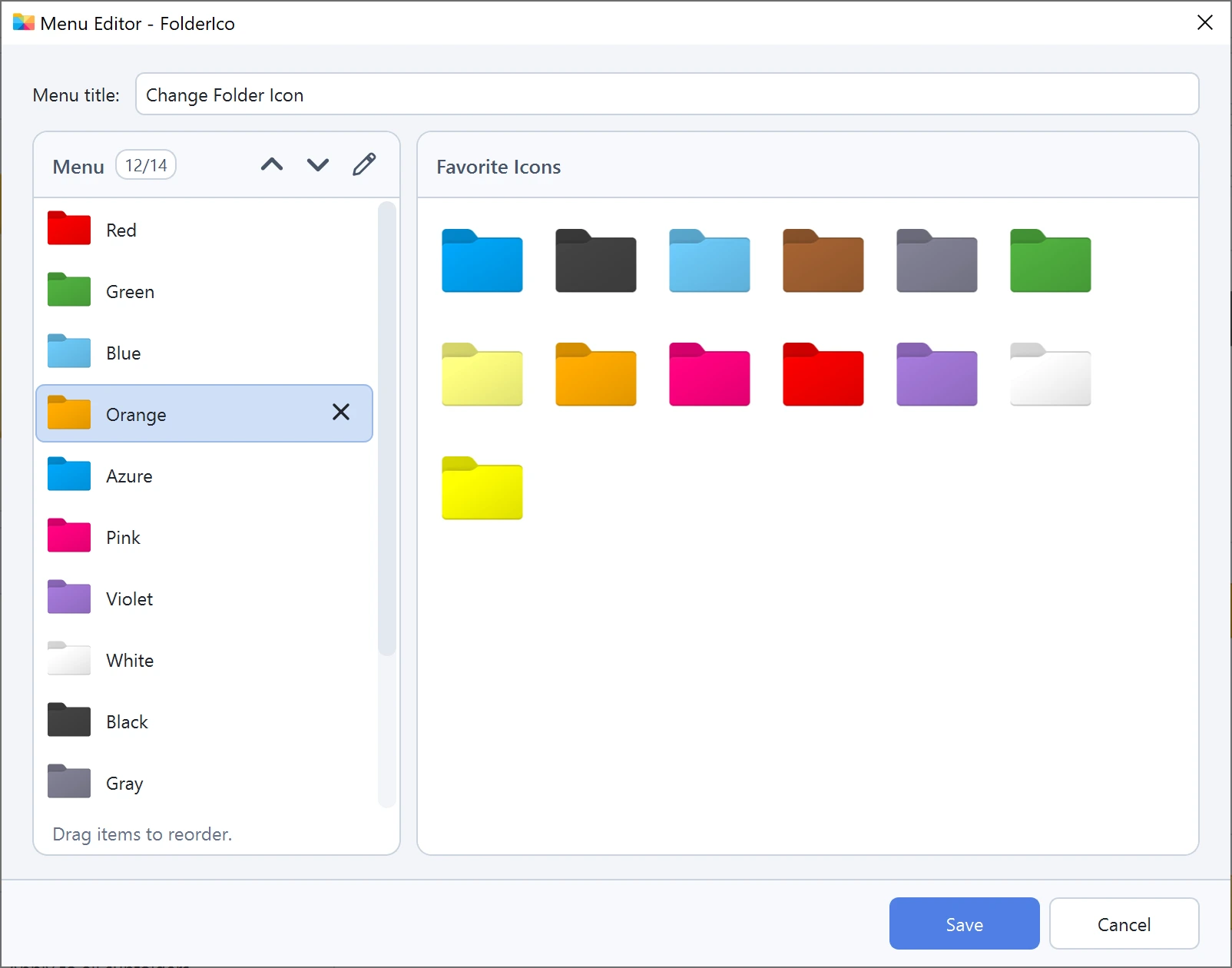
Add favorite icons, rename and reorder shortcuts, and change the FolderIco menu title in Windows.
Apply built-in colors or create a custom folder style to make folders easier to recognize.
Add covers, change colors, or create a completely custom folder icon with FolderIco.
Load almost any image and use it as a folder icon without converting it manually.
Browse and search ready-made folder icons, then apply a design without managing separate icon packs.
Import third-party icon sets or build your own library for faster reuse.
Use custom icons on shared folders to make team workflows clearer and easier to follow.
Learn how to repair missing folder icons, restore settings, and refresh Explorer icon cache.
Learn how folder colors and custom icons can make document-heavy work faster and easier to manage.
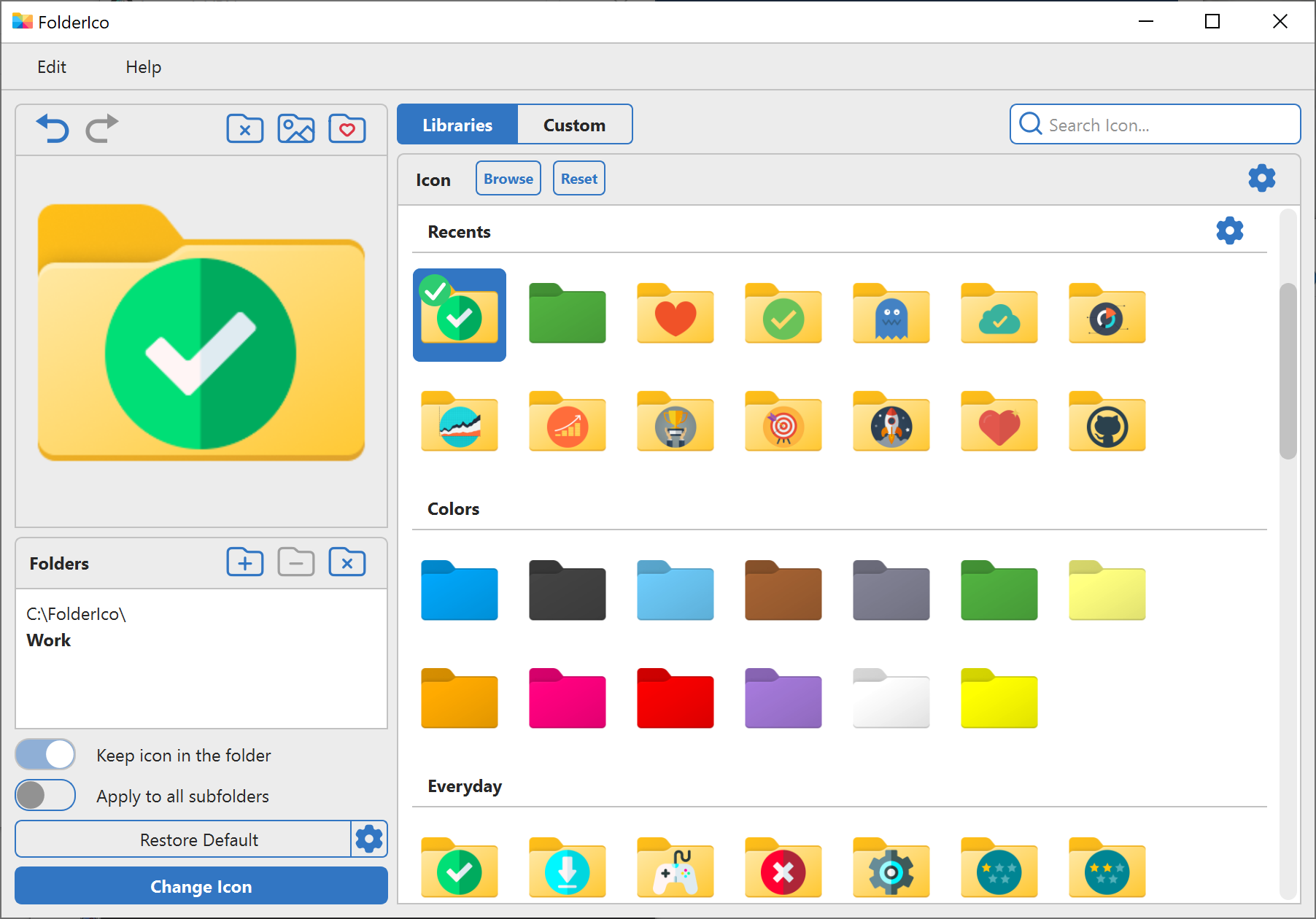
Learn how to change folder icons, colors, and images faster with FolderIco.
Create custom folder icons with colors, stickers from libraries or your files, covers, search, preview editing, and background removal.
Apply, compose, reset, and repair folder icons from CMD or automate changes with scripts.